
Unblur image online
Unblur an image, and see why it was blurry first
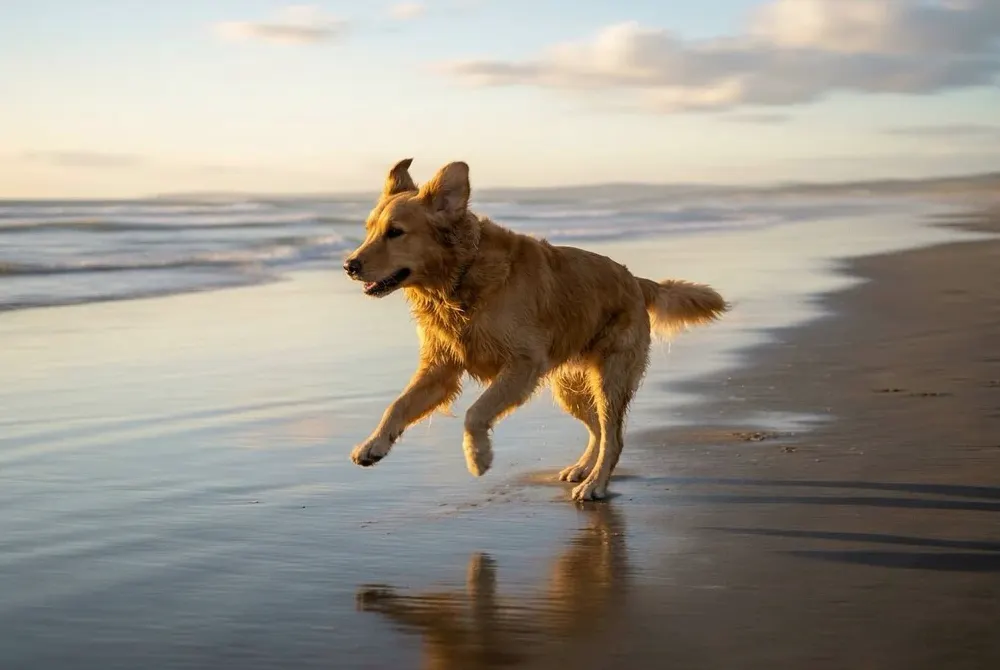
Step 1: a blur report
Before any fix, a vision model names the kind of blur and suggests a mode. 4 credits, kept with the photo so you never pay for it twice.
Fix mode
Scenes, pets, products and landscapes
Blur report
4 credits
Your free credits cover the blur report and one Photo fix at 1K (27 credits).
Upload a blurry photo. A short blur report names the cause and suggests a mode, then a fix sharpens the scene, the text or the faces. Same framing, same size, price shown before anything runs.
The blur report
Not every blur is the same blur
Shake, missed focus and a moving subject leave different marks, and they need different fixes. The report reads the photo first (4 credits) so you pick the right mode instead of guessing.
Camera shake
The whole frame is smeared in one direction: the camera moved while the shutter was open.
Missed focus
Edges are soft everywhere at the subject: the lens focused in front of it or behind it.
Subject motion
The background is sharp but the subject is streaked: it moved faster than the shutter.
Low-light blur
A slow shutter and high ISO in dim light left soft edges and grain.
Mixed blur
More than one cause at once, such as shake plus a moving subject.
Already sharp
This photo is already in focus. A fix will change little, so you may not need one.
Before and after
Real fixes from this tool
Sharp sample photos we blurred on purpose, then fixed here without retouching. Drag each one to compare.
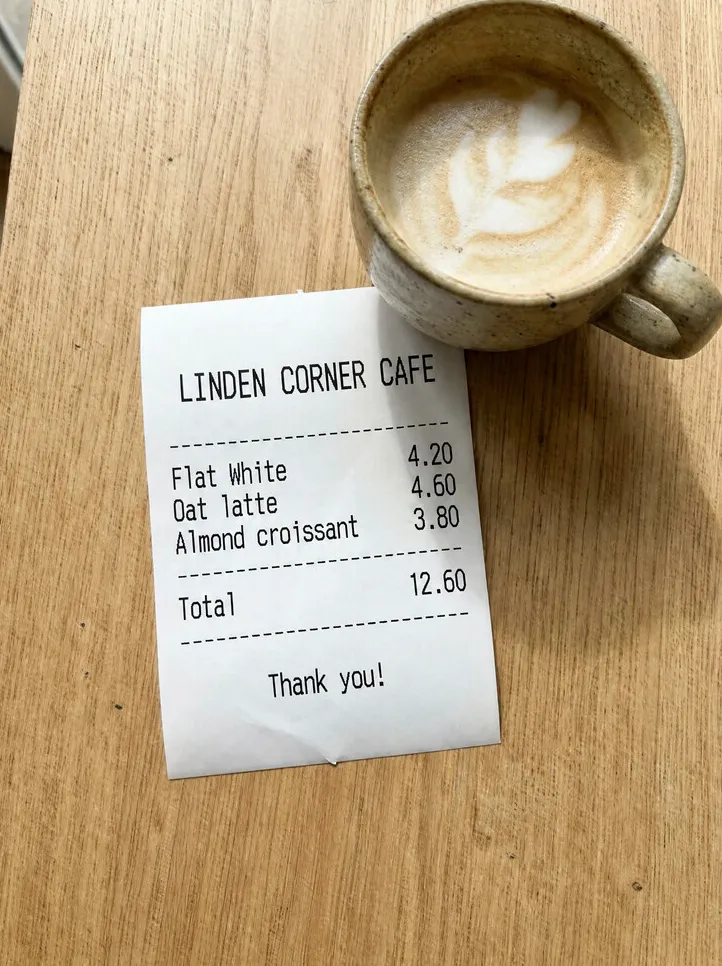
Camera shake · Text & documents mode
A café receipt blurred by hand shake, then every price readable
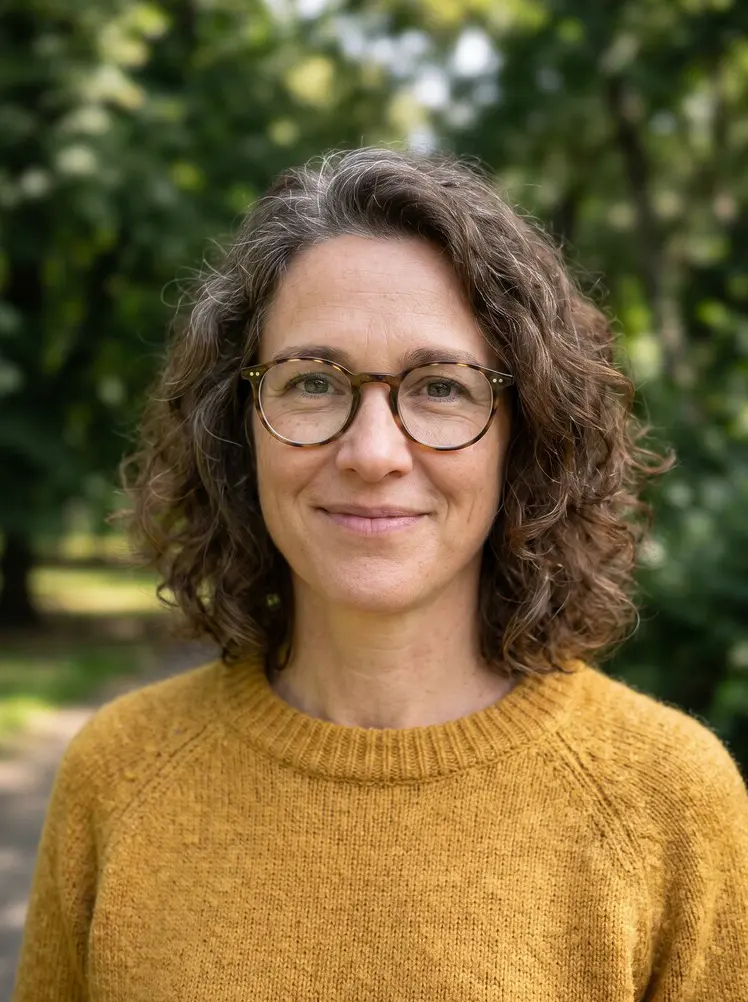

Missed focus · Faces mode
An out-of-focus portrait of a woman in glasses, then sharp with the same face
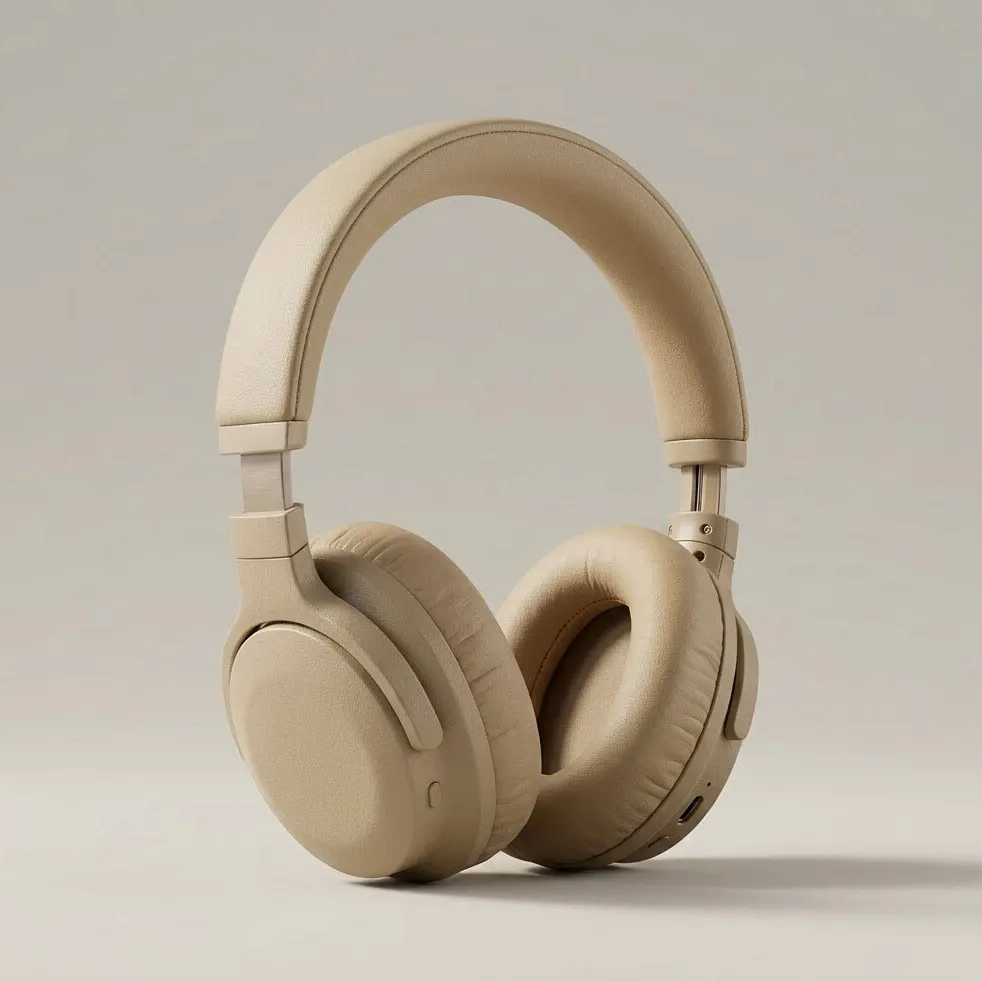
Missed focus · Photo mode
Beige headphones photographed out of focus, then crisp
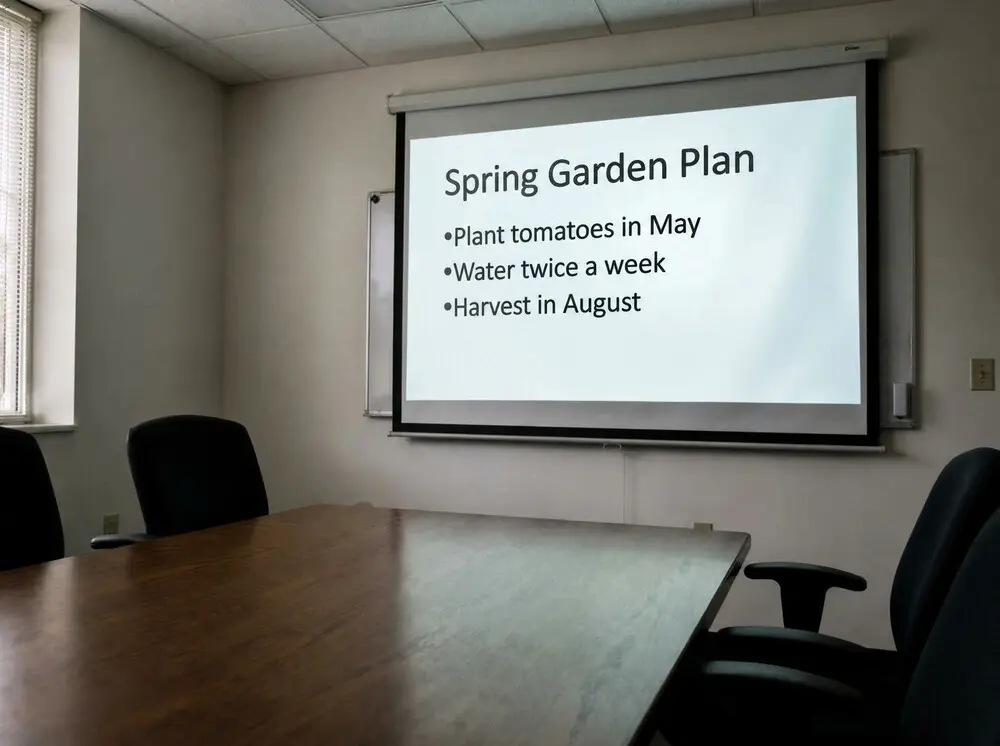
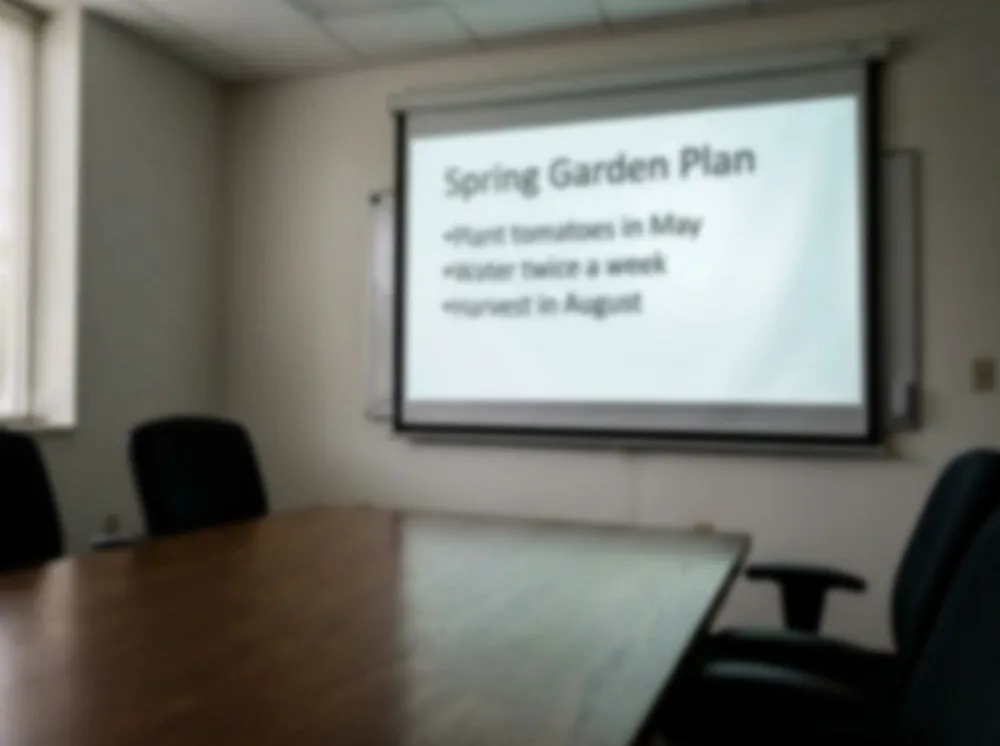
Missed focus · Text & documents mode
A projector slide photographed out of focus, then readable word for word
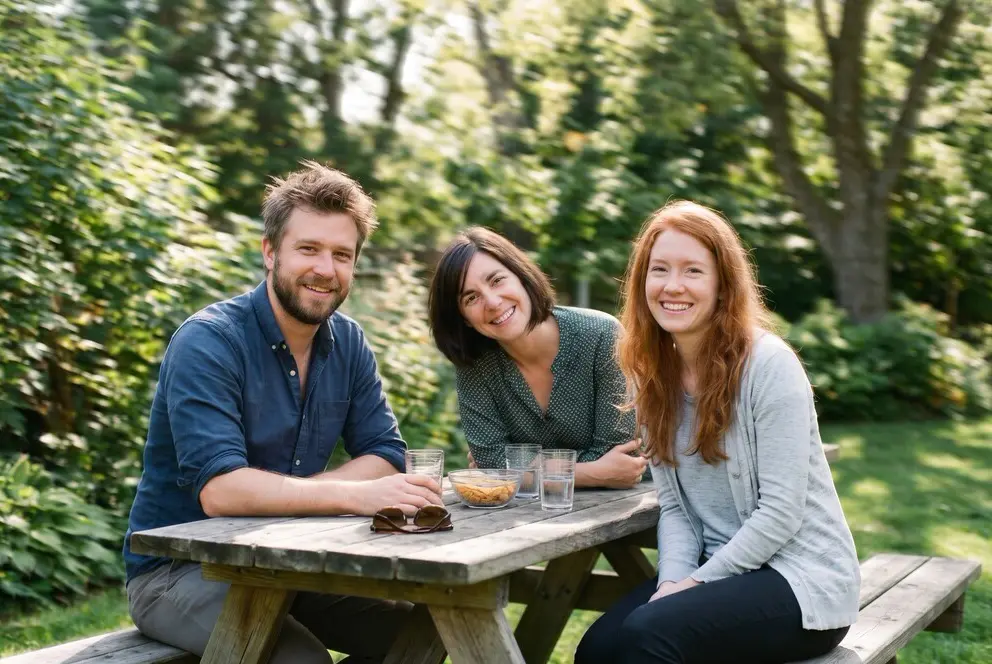
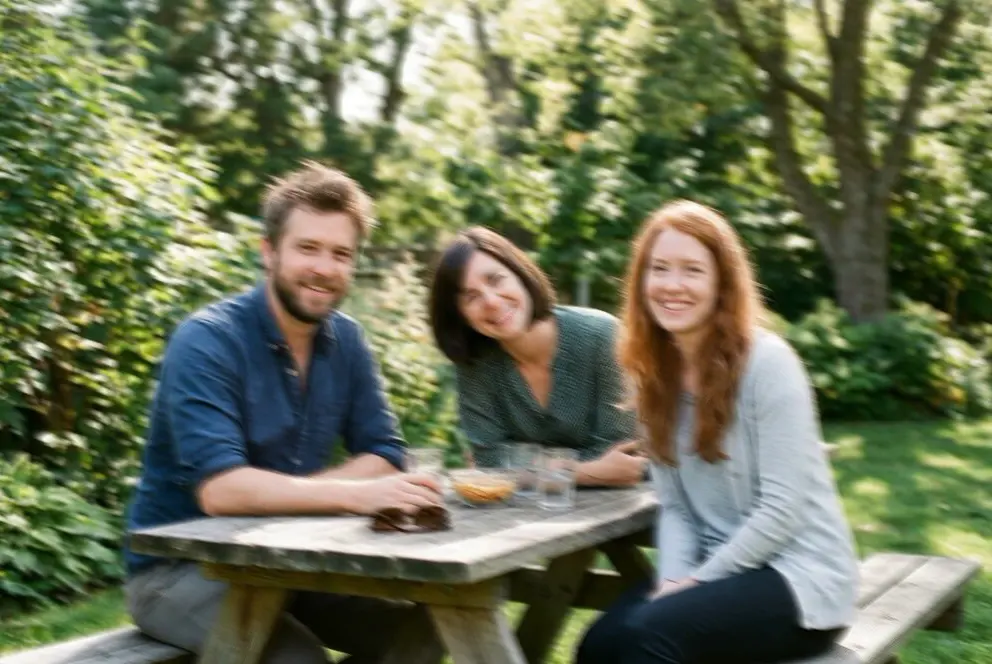
Camera shake · Faces mode
Three friends at a picnic table blurred by shake, then sharp faces
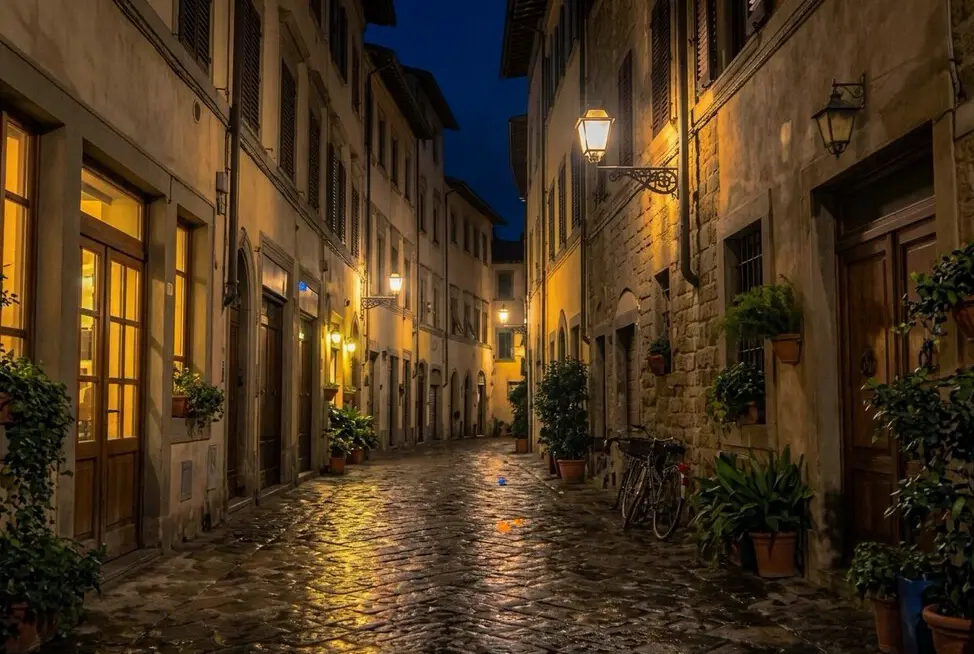
Mixed blur · Photo mode
A dark, noisy night street that was soft, then clear cobbles and windows
How it works
How to unblur an image with AI
Report first, then the fix that fits.
- 01
Upload the blurry photo
JPG, PNG or WebP up to 10 MB. It is stored privately in your account.
- 02
Read the blur report
The report names the kind of blur, how strong it is and what the photo shows, then suggests Photo, Text & documents or Faces.
- 03
Fix, compare and download
Run the fix, drag the slider to check faces and text, and download a PNG or JPG at your photo's own size. Try another mode if one reads better.
Modes and prices
Three fix modes, one fixed price each
Each mode runs on the image model that handles that kind of picture best. Credits per fix are fixed by mode and size.
| Step | Good for | 1K | 2K |
|---|---|---|---|
| Blur reportGemini 3 Flash | Names the blur and suggests a mode, once per photo | 4 | |
| PhotoNano Banana 2.1 | Scenes, pets, products and landscapes | 23 | 34 |
| Text & documentsGPT Image 2 | Slides, signs, whiteboards and printed pages | — | 57 |
| FacesNano Banana Pro | Portraits and group photos where faces matter most | — | 101 |
2K Photo fixes need a plan or a credit pack. Text & documents and Faces run at 2K. Credits are only kept for fixes that finish.
Pricing
Plans for an occasional rescue or a whole archive
Three plans billed monthly or yearly, and credit packs that never expire. New accounts get 27 free credits once: a blur report and one Photo fix.
Steady Hand
For a few rescued photos every week
$7.21/month
$86.50 billed once a year
or $8.65 billed monthly
- 1,835 credits a month
- About 67 photos (report + Photo fix at 1K)
- 22,020 credits a year, 1,835 added each month
- Two fixes at a time
- Photo fixes at 1K or 2K
Tripod
For creators who fix shots every day
$15.71/month
$188.50 billed once a year
or $18.85 billed monthly
- 4,615 credits a month
- About 170 photos (report + Photo fix at 1K)
- 55,380 credits a year, 4,615 added each month
- Six fixes at a time
- Photo fixes at 1K or 2K
- API keys and MCP from scripts
Gimbal
For studios and archives with whole folders to save
$35.71/month
$428.50 billed once a year
or $42.85 billed monthly
- 11,185 credits a month
- About 414 photos (report + Photo fix at 1K)
- 134,220 credits a year, 11,185 added each month
- Six fixes at a time
- Photo fixes at 1K or 2K
- API keys and MCP from scripts
Lens Cloth · $4.85
965 credits that never expire, about 35 photos with report and Photo fix at 1K. Unlocks 2K Photo fixes.
Focus Ring · $11.85
2,415 credits that never expire, about 89 photos with report and Photo fix at 1K. Unlocks 2K Photo fixes.
Prime Lens · $28.65
6,075 credits that never expire, about 225 photos with report and Photo fix at 1K. Unlocks 2K Photo fixes.
Free: 27 credits after you confirm your email, with no card. Enough to read one blur report and sharpen one photo. One grant per mailbox. They never expire.
Changed your mind? Ask within 7 days of a monthly payment, 21 of a yearly one or 14 of a pack, with at most 10% of its credits spent; we return the unspent part.
Questions about unblurring photos
What is Unblur Img?
Unblur Img is an online tool to unblur an image. You upload a blurry photo, a blur report names the cause (camera shake, missed focus, subject motion or low light), and an AI image model redraws the photo sharper in the mode you pick. Framing and size stay the same.
Is it free to try?
New accounts get 27 credits once, added when the email address is confirmed. That covers one blur report and one Photo fix at 1K (27 credits). A mailbox can claim it once, and accounts opened through VPNs, proxies or data-centre networks get no grant.
Why is there a blur report before the fix?
Different blur needs a different fix: a smeared slide needs readable letters, a soft portrait needs the same face, a shaken landscape needs crisp edges. The report costs 4 credits, suggests the mode that fits, and is kept with the photo, so trying a second mode never pays for it again.
Which AI models does it use?
The report runs on Gemini 3 Flash, Google's vision model. Photo fixes use Nano Banana 2.1 and Faces uses Nano Banana Pro, both Google image models; Text & documents uses GPT Image 2, OpenAI's image model. The model is saved with every job in My fixes.
Can AI really unblur any photo?
It sharpens what the photo still holds. Light shake, soft focus and mild motion usually come back clean. When the blur is so strong that faces or letters are just smudges, the model has to guess, and the report says so before you pay for a fix. Always compare faces and text before you keep a result.
Does it change my photo?
The fix asks the model to sharpen only: no crop, no zoom, no new objects, no restyling. The result is drawn back at your upload's own pixel size for download. Small details can still shift, which is why the compare slider sits right on the result.
What photos can I upload?
JPG, PNG or WebP up to 10 MB, at least 64 pixels on each side. Upload only photos you own or may edit, and of people who agreed to it. The report declines licence plates, ID documents and security-camera stills, with no charge for the fix.
Who can see my photos and results?
Only you; there is no public gallery. The photo goes only to the AI services that run the report and the fix, and every upload passes an automated safety screen first.
What happens if a fix fails?
Credits are taken when a step starts. If it errors or times out, they go back to your balance automatically and the job is marked as failed in My fixes.
Can I use the results commercially?
Yes. The fixed photo is yours to use on any plan, provided you had the rights to the original and the use stays within our Terms and Acceptable Use Policy.
Updated
Have a photo that is almost perfect?
Upload it, read the blur report, and compare the fix.